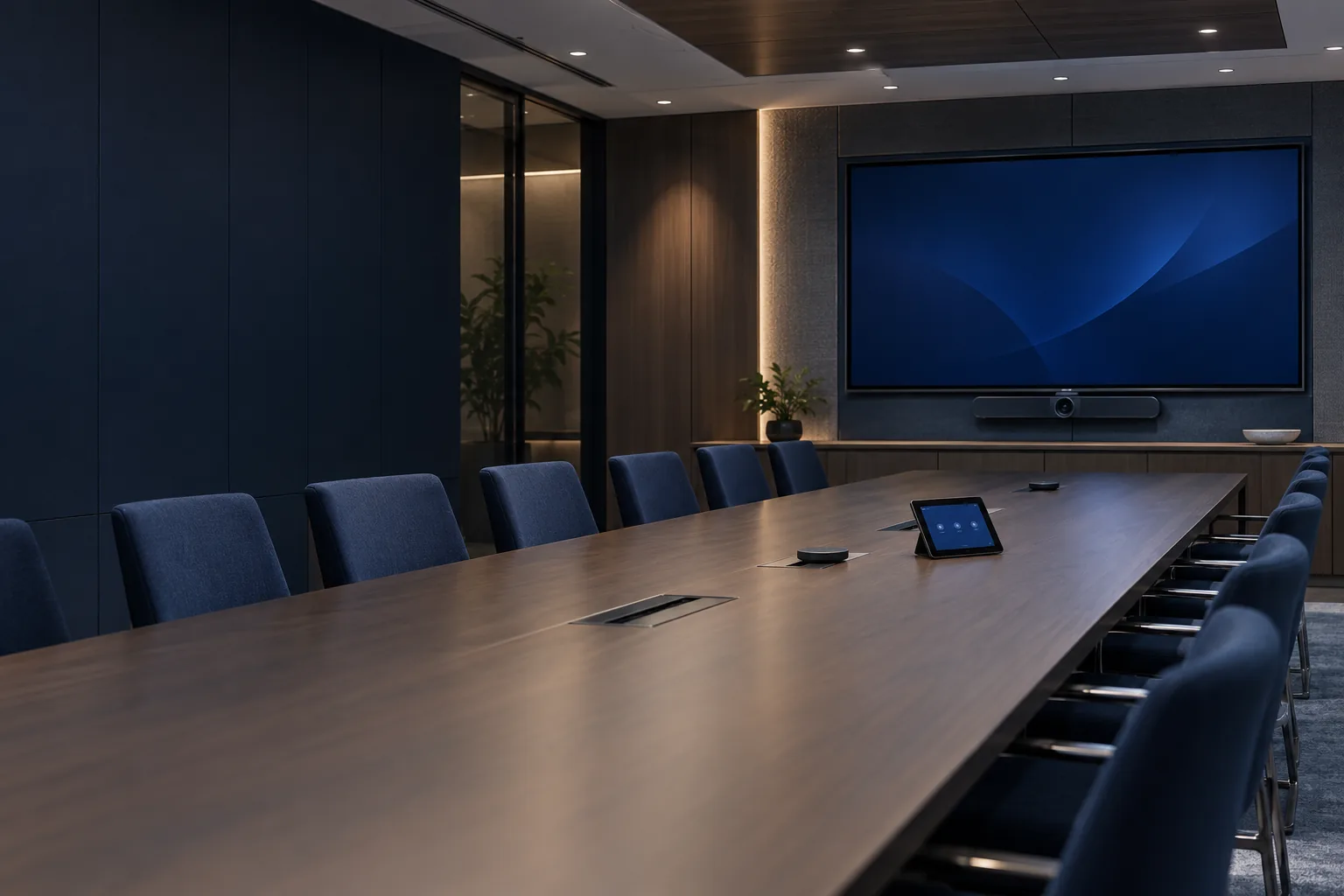
Review room size, meeting styles and platform requirements before selecting displays and audio equipment. Identify user expectations and support ownership so the finished room is straightforward to operate.
DeliverableRoom requirements and equipment concept.
Install supported conferencing equipment and connect the approved collaboration platform. Test remote participation, camera framing and audio from representative seats before the room is handed over.
DeliverableConference-room commissioning record.
Mount approved professional displays at coordinated positions with suitable support and connectivity. Confirm wall construction, viewing distance and service access before installation and document mounting responsibilities.
DeliverableDisplay installation checks and asset record.
Configure supported signage players, displays and content scheduling. Keep content ownership and publishing permissions clear so the system can be updated by the nominated team after installation.
DeliverableSignage configuration and publishing guide.
Install and configure an approved multi-display arrangement with coordinated sources and control. Verify mounting alignment, signal paths and maintenance access against the agreed viewing application.
DeliverableVideo-wall drawings and commissioning results.
Deploy approved projectors and screens with suitable mounting and signal connections. Review throw distance, ambient light and viewing positions before final placement rather than relying only on brightness specifications.
DeliverableProjection layout and image checks.
Plan loudspeaker and microphone coverage around the intended room use. Account for seating, background sound and supported processing options, coordinating acoustic treatment where specialist input is needed.
DeliverableAudio concept and equipment schedule.
Install supported tabletop, ceiling or wireless microphones for the agreed application. Test representative speech and placement, documenting any environmental constraints that affect intelligibility.
DeliverableMicrophone layout and functional checks.
Configure approved audio processing for the connected sources, microphones and loudspeakers. Tune routing and levels through practical tests, with final settings recorded for future maintenance.
DeliverableDSP configuration and signal-flow diagram.
Program supported controls around the room's actual user workflows. Keep source selection and common actions clear, and test recovery from interrupted sessions or equipment restarts.
DeliverableControl interface and tested operation sequence.
Install and configure approved room control panels with the supported control system. Coordinate mounting, network access and user permissions so the interface remains usable and maintainable.
DeliverablePanel configuration and user journey tests.
Connect supported booking displays to the approved calendar platform. Confirm resource ownership, licensing and scheduling behaviour, testing actual room reservations before handover.
DeliverableBooking integration and calendar test record.
Implement supported networked AV endpoints on an agreed network design. Coordinate switch capacity, multicast requirements and management responsibilities with the network team before commissioning streams.
DeliverableAV network map and source-to-display tests.
Install supported switching, extension or distribution equipment for the agreed sources and displays. Validate resolution, distance and control requirements using the intended devices rather than a generic test source alone.
DeliverableSignal-path schedule and functional evidence.
Install approved loudspeakers, amplification and zoning for business environments. Coordinate coverage and level requirements with operators, keeping life-safety audio outside scope unless specifically authorized and qualified.
DeliverableZone layout and operational checks.
Provide suitable wired or supported wireless presentation connections for meeting spaces. Test common user devices and document adapters or platform limitations that affect the presenting experience.
DeliverableConnectivity guide and device compatibility checks.
Connect approved point-of-sale displays, peripherals and network interfaces. Coordinate with the POS application provider and test the agreed peripheral functions without claiming payment-processing certification.
DeliverablePeripheral register and integration checks.
Organize processors, amplifiers and signal equipment with appropriate ventilation and cable management. Label serviceable connections and document rack power dependencies with the responsible parties.
DeliverableAV rack elevation and patch schedule.
Demonstrate the installed room or display system using common business scenarios. Provide concise operating instructions and escalation routes so users can start a meeting without needing specialist assistance.
DeliverableUser walkthrough and room quick-start guide.
Test agreed signal paths, controls and user scenarios before acceptance. Record settings and ownership so ongoing support can distinguish room operation issues from platform or network dependencies.
DeliverableCommissioning pack and support responsibility map.